
Stock Shop Generic Builder System 2.7
Hardware
Finish structural details with bolts, plates, brackets and straps. Four hardware modules complement the main building pieces.
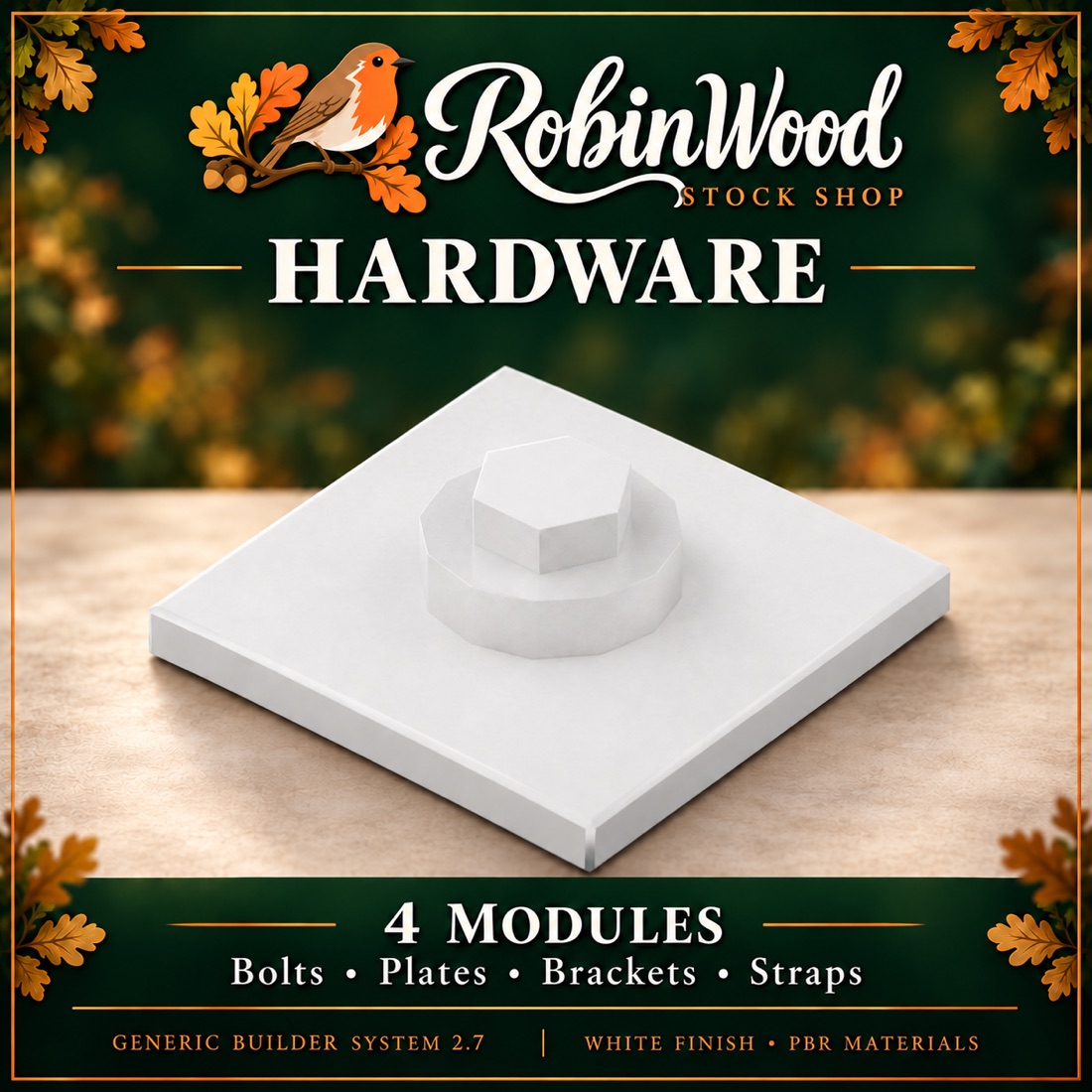
In this collection
4 modules
A module may contain several mesh parts.
Every module
- Finished in-world mesh
- Separately textureable faces
- Levels of detail built in
- Collision geometry
- PBR materials where supplied
- Scripted movement where applicable
WHAT IS INSIDE
The 4 modules.
Source module names, as they appear in the collection. Useful for cross-referencing a build or a parts list.
Show all 4 module names
Hardware_BoltHardware_BoltPlateHardware_CornerBracketHardware_Strap
Before you build with it
When you link a module into a larger building, use a static part as the root so the scripted leaves keep working. Fixed windows remain fixed.
Check texture faces and scripted movement before you place a finished build. Land impact and rendering behaviour depend on your viewer and the grid configuration.
WHERE TO FIND IT
In-world,
at Robinwood.
The Generic Builder System is sold in-world. The landmark below drops you at the RobinWood Stock Shop on Robinwood — open it in a compatible OpenSim viewer, or copy the address and go when it suits you.
Robinwood is a region in Darkheart’s Playground, an OpenSimulator world. You will need a viewer that can reach it.
RobinWood Stock Shop
Open the shop in your compatible OpenSim viewer, or copy the landmark for later.
Go to the Stock Shop