
Stock Shop Generic Builder System 2.7
Architectural Trim
Finish transitions with crown, skirting and corner details. These 24 trim modules add definition along walls, floors and ceilings.
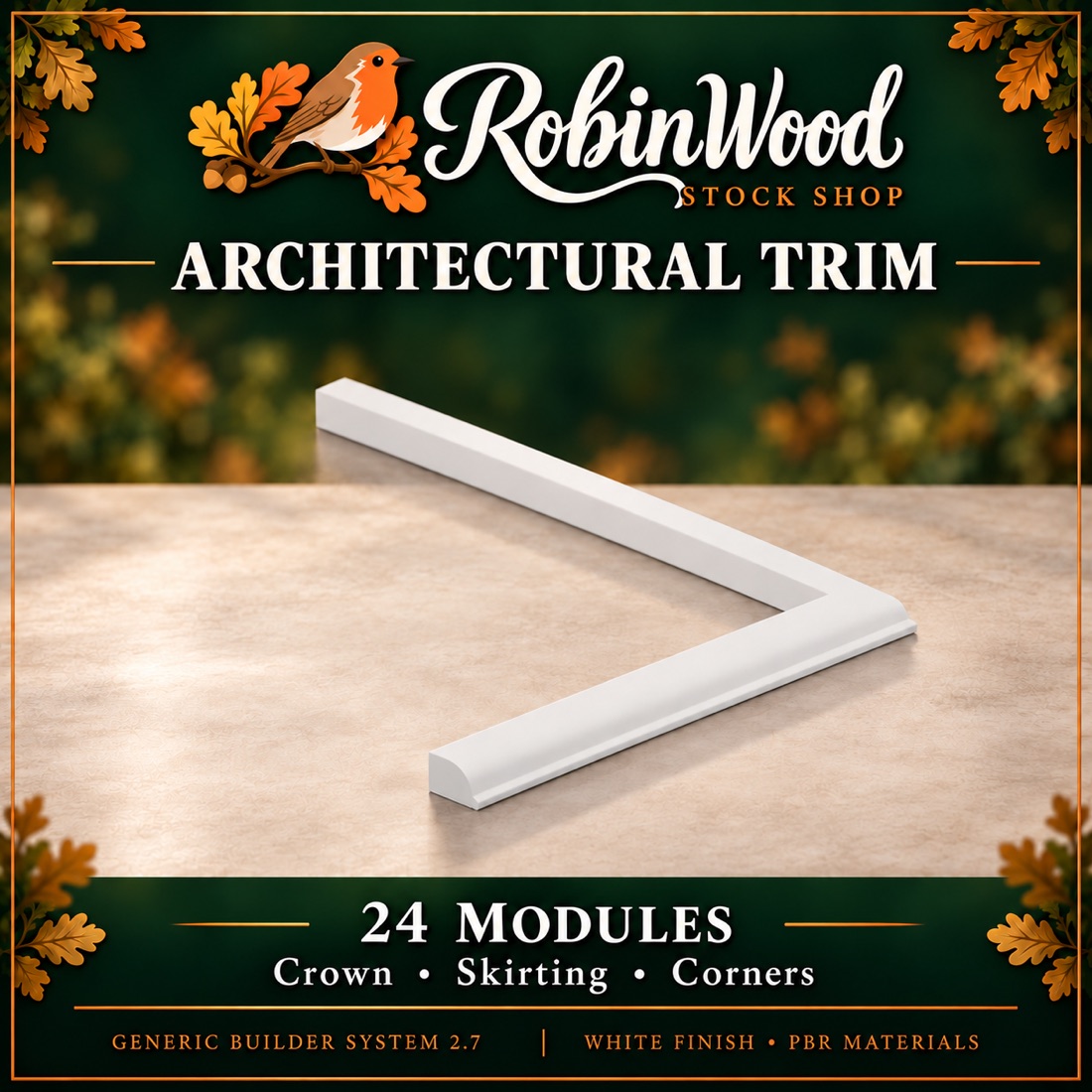
In this collection
24 modules
A module may contain several mesh parts.
Every module
- Finished in-world mesh
- Separately textureable faces
- Levels of detail built in
- Collision geometry
- PBR materials where supplied
- Scripted movement where applicable
WHAT IS INSIDE
The 24 modules.
Source module names, as they appear in the collection. Useful for cross-referencing a build or a parts list.
Show all 24 module names
Trim_Corner_EndTrim_Corner_Inner45Trim_Corner_Inner90Trim_Corner_Outer45Trim_Corner_Outer90Trim_Corner_Straight1Trim_Corner_Straight2Trim_Corner_Straight4Trim_Crown_EndTrim_Crown_Inner45Trim_Crown_Inner90Trim_Crown_Outer45Trim_Crown_Outer90Trim_Crown_Straight1Trim_Crown_Straight2Trim_Crown_Straight4Trim_Skirt_EndTrim_Skirt_Inner45Trim_Skirt_Inner90Trim_Skirt_Outer45Trim_Skirt_Outer90Trim_Skirt_Straight1Trim_Skirt_Straight2Trim_Skirt_Straight4
Before you build with it
When you link a module into a larger building, use a static part as the root so the scripted leaves keep working. Fixed windows remain fixed.
Check texture faces and scripted movement before you place a finished build. Land impact and rendering behaviour depend on your viewer and the grid configuration.
WHERE TO FIND IT
In-world,
at Robinwood.
The Generic Builder System is sold in-world. The landmark below drops you at the RobinWood Stock Shop on Robinwood — open it in a compatible OpenSim viewer, or copy the address and go when it suits you.
Robinwood is a region in Darkheart’s Playground, an OpenSimulator world. You will need a viewer that can reach it.
RobinWood Stock Shop
Open the shop in your compatible OpenSim viewer, or copy the landmark for later.
Go to the Stock Shop